Every year, one screen
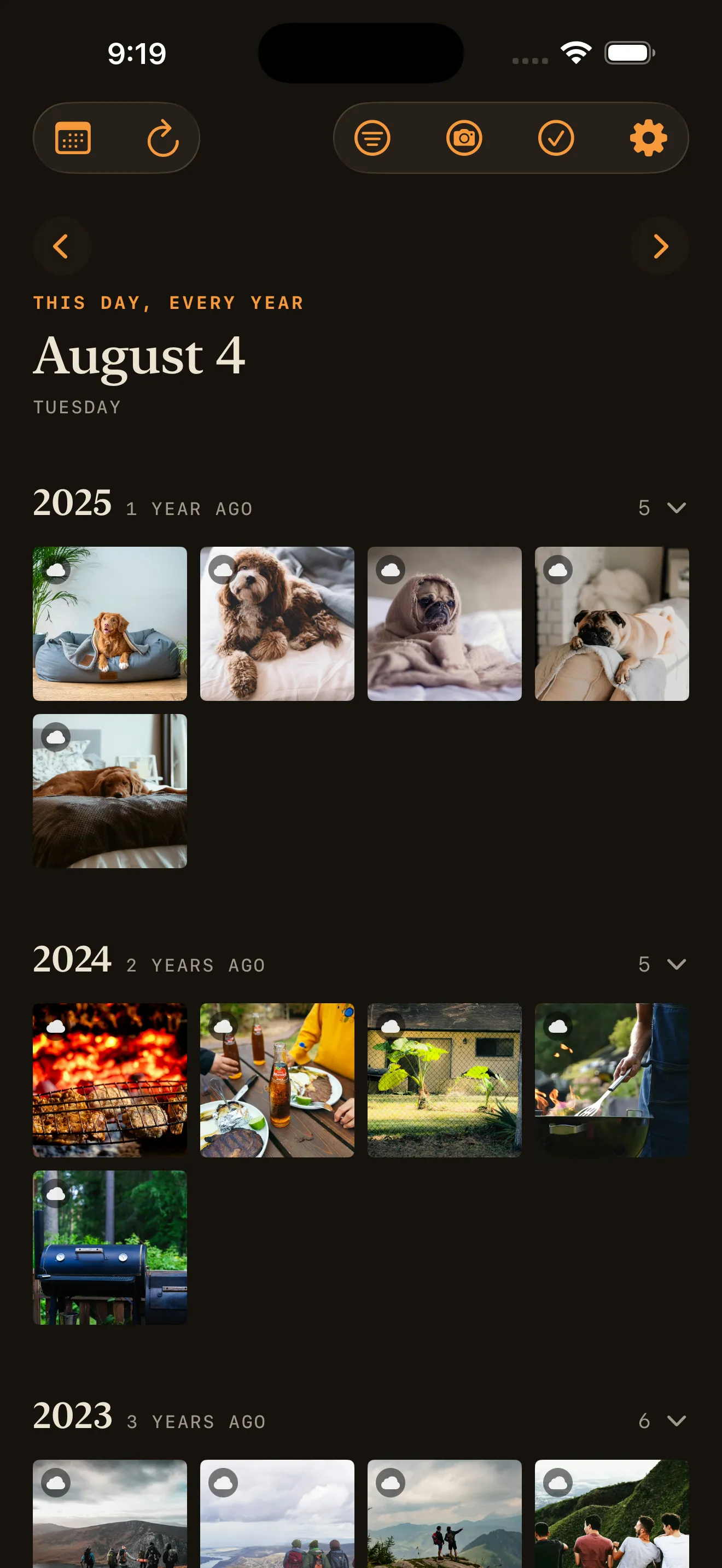
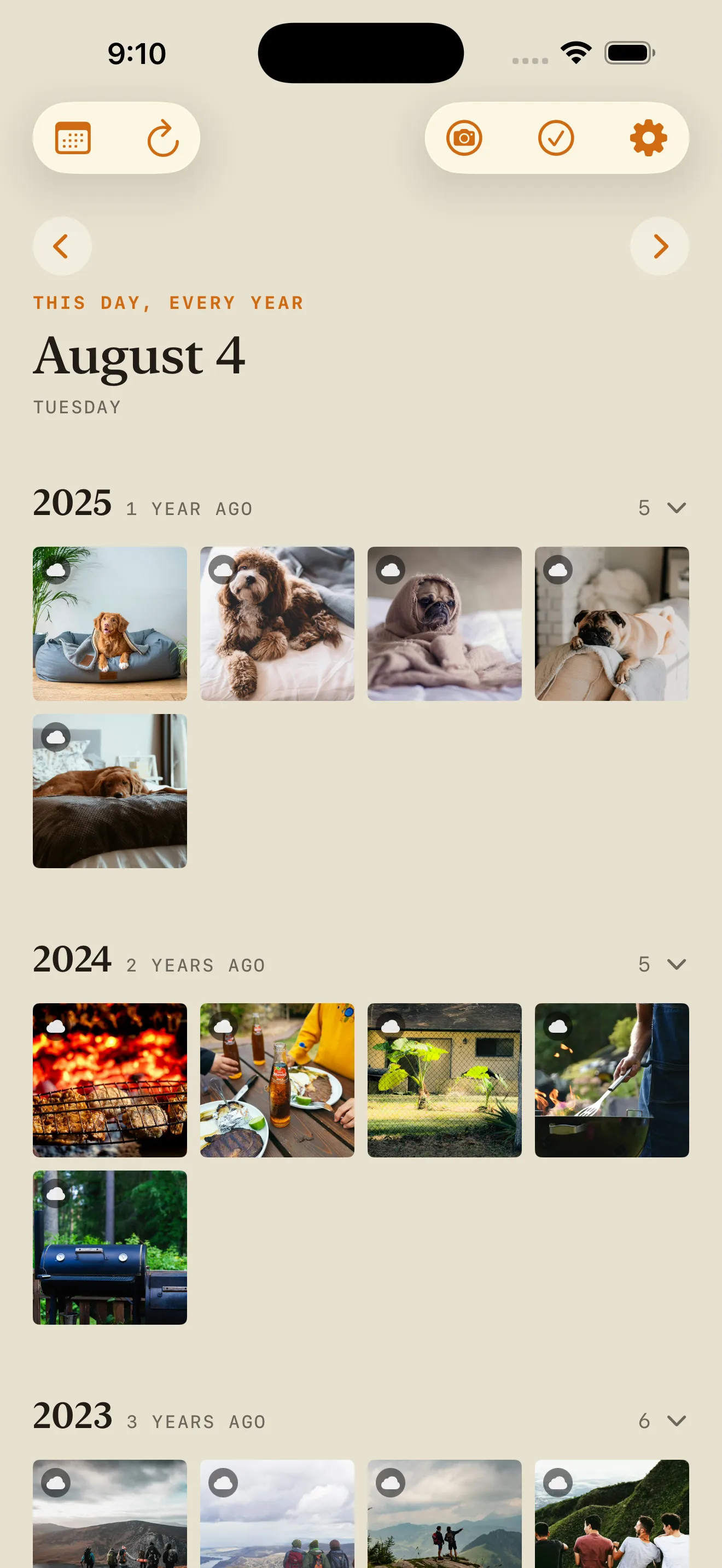
Every photo and video from today's date, across every year in your library, in collapsible year sections — 2019, and under it, five years ago.
Available now · iPhone
Perennial opens on today's date and shows every photo you've taken on it, going back as far as your library does — grouped by year.
Features
Every photo and video from today's date, across every year in your library, in collapsible year sections — 2019, and under it, five years ago.
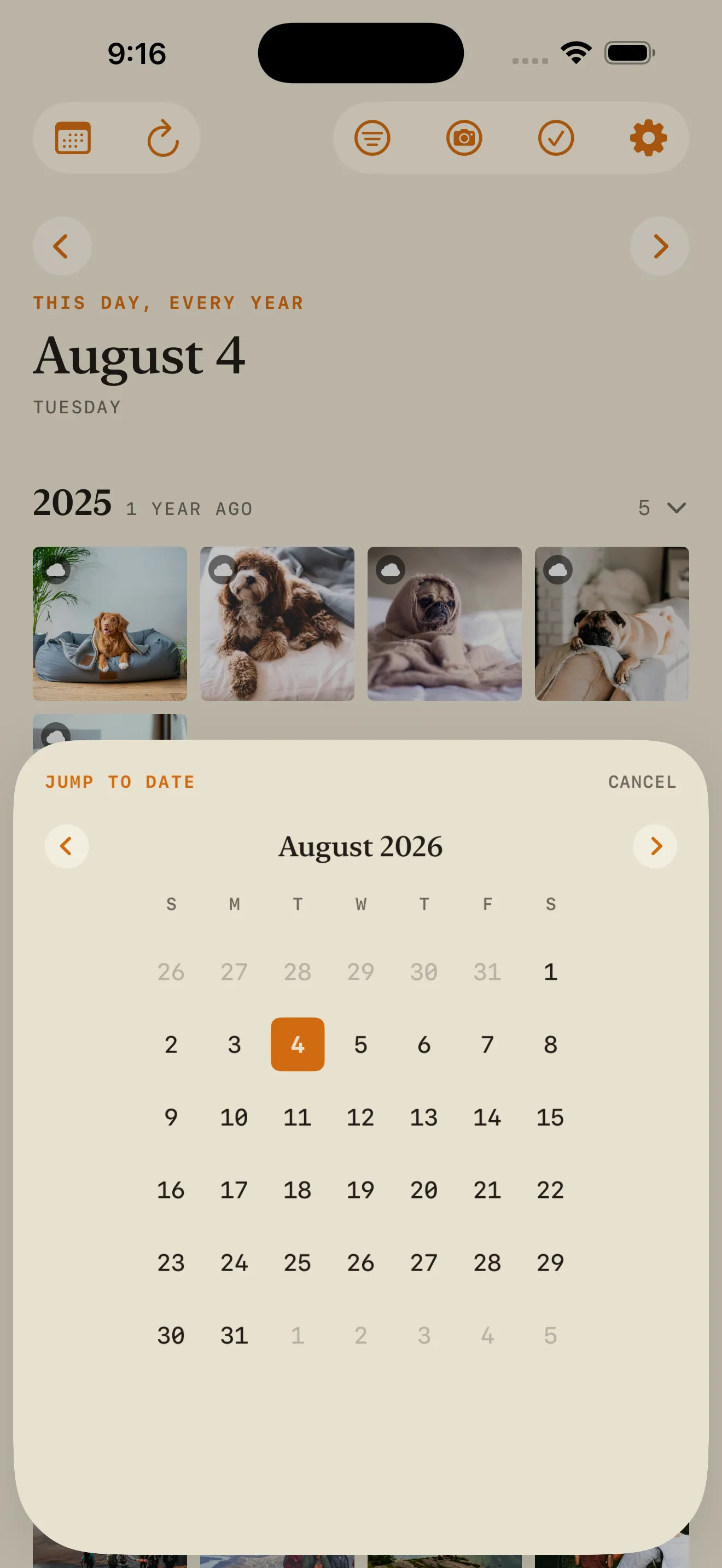
Step a day at a time, jump to any date with the calendar picker, or snap back to today in one tap.
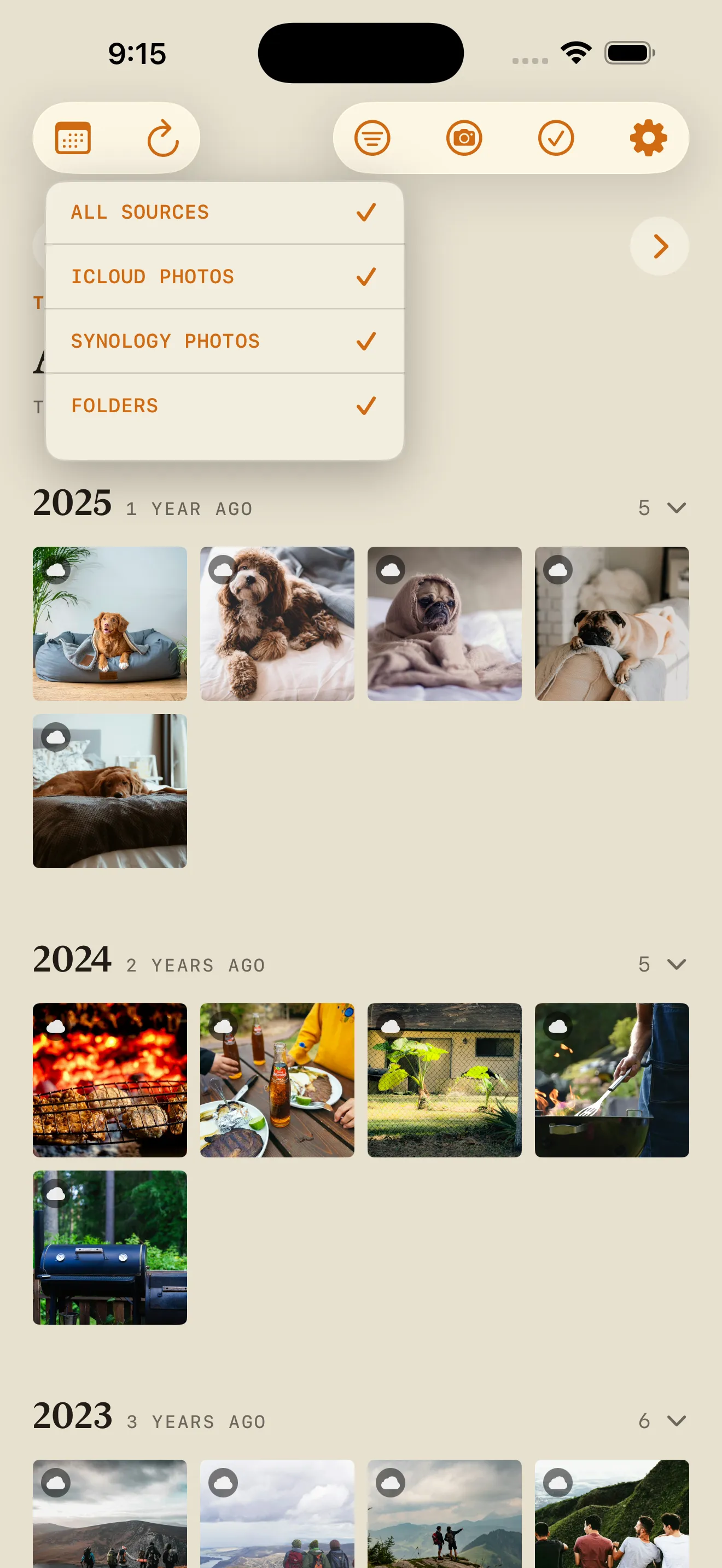
Narrow the day to one source or a single camera. The camera list comes from your own photos' EXIF, not a fixed menu.
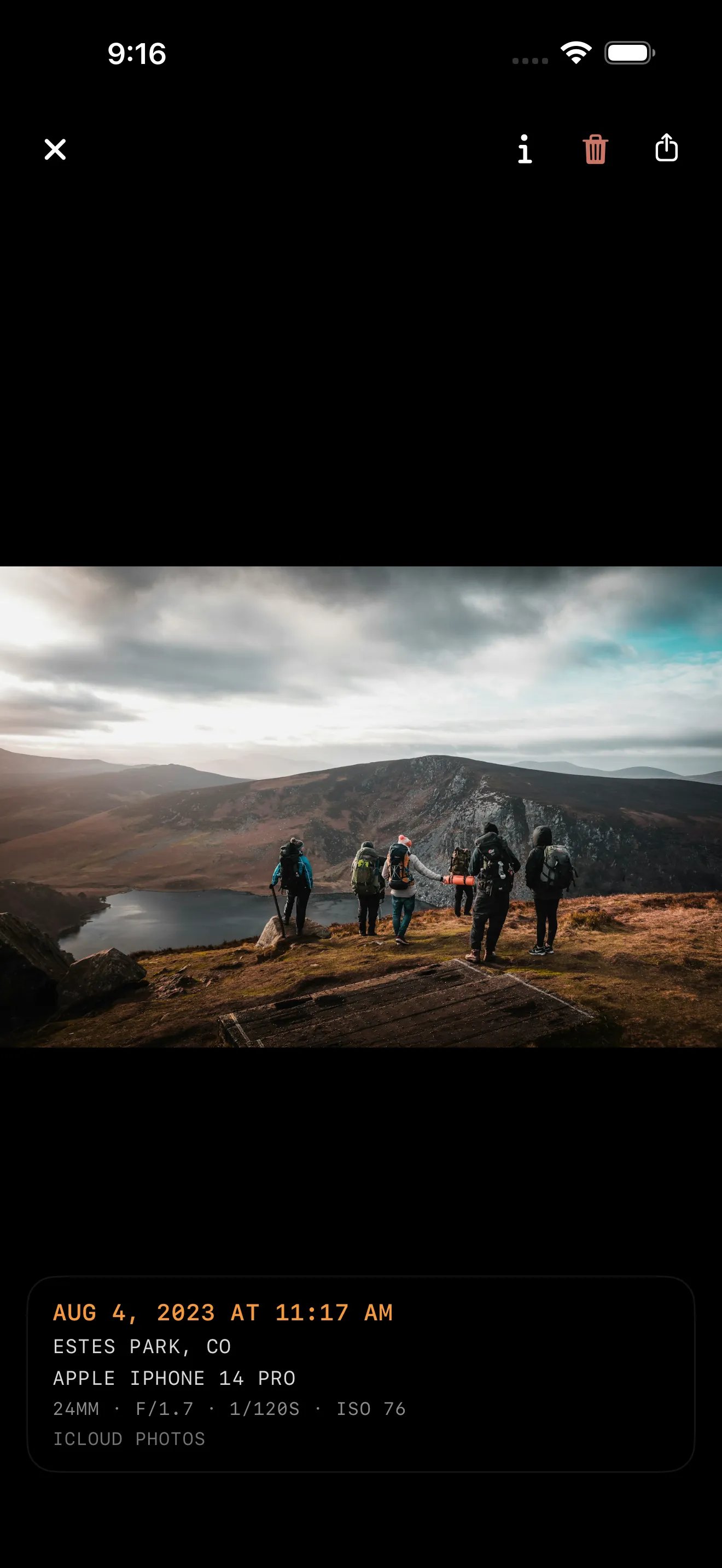
Full-screen, pinch to zoom, swipe to dismiss, video playing inline. The caption reads the file's metadata: place, camera and lens, aperture, shutter, ISO.
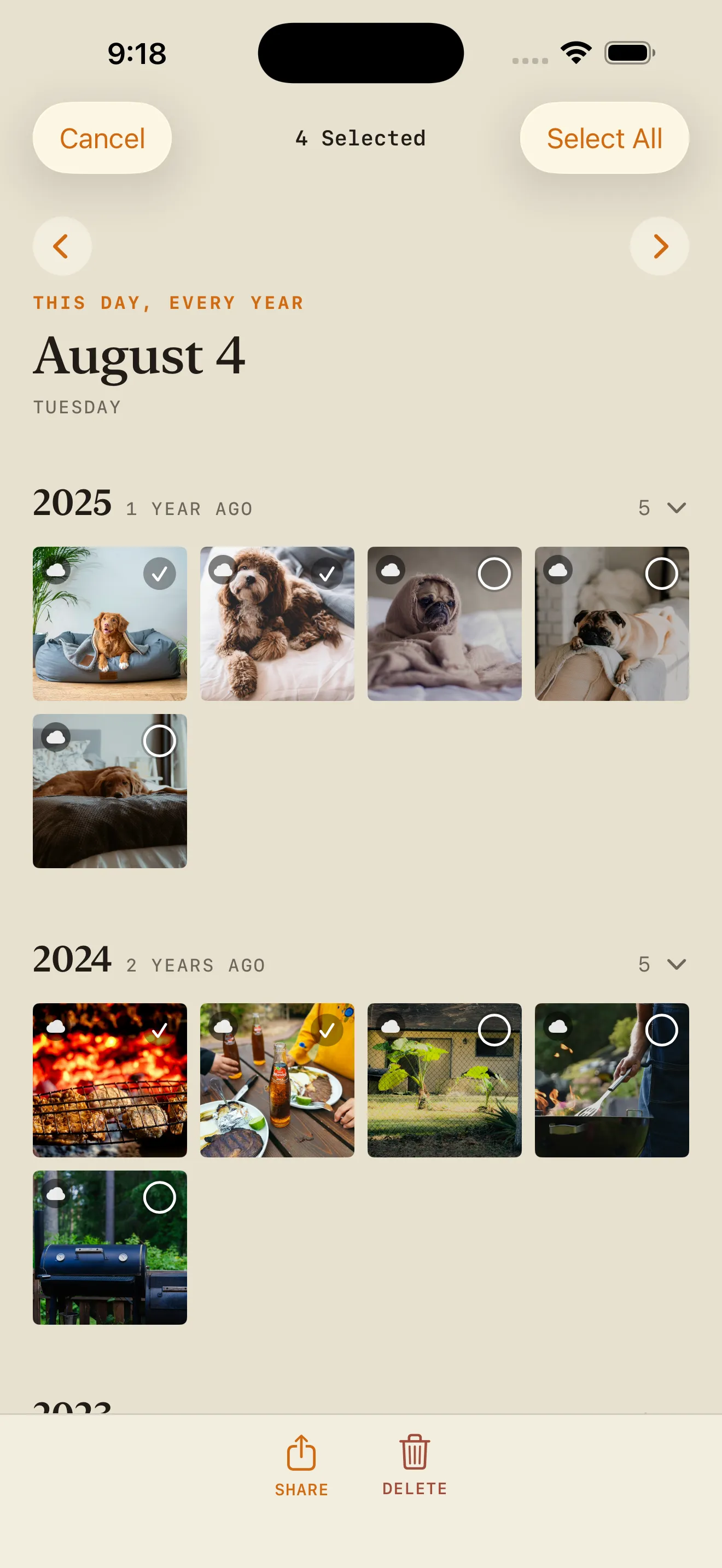
Long-press, then drag to select a run of photos — or down the edge to grab whole rows. Share the selection as a batch.
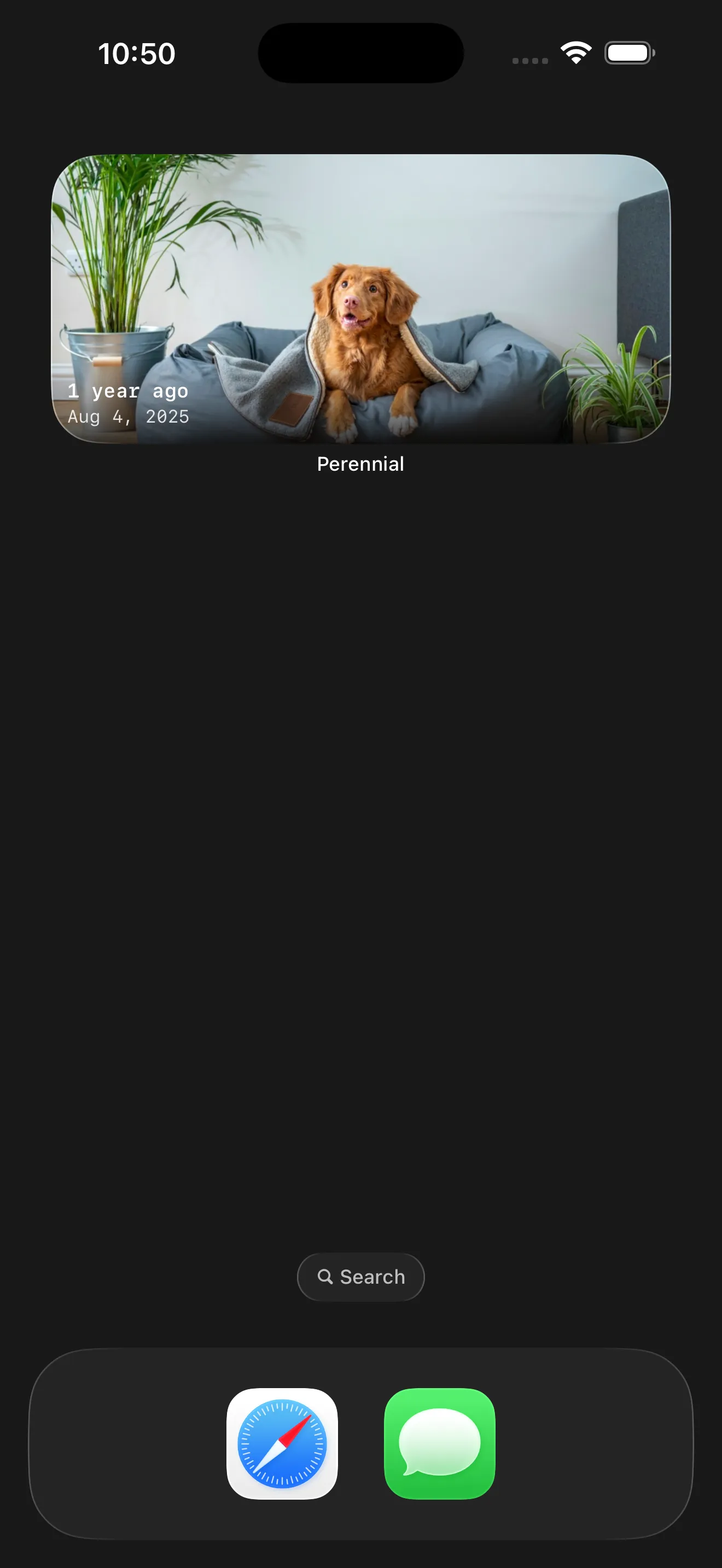
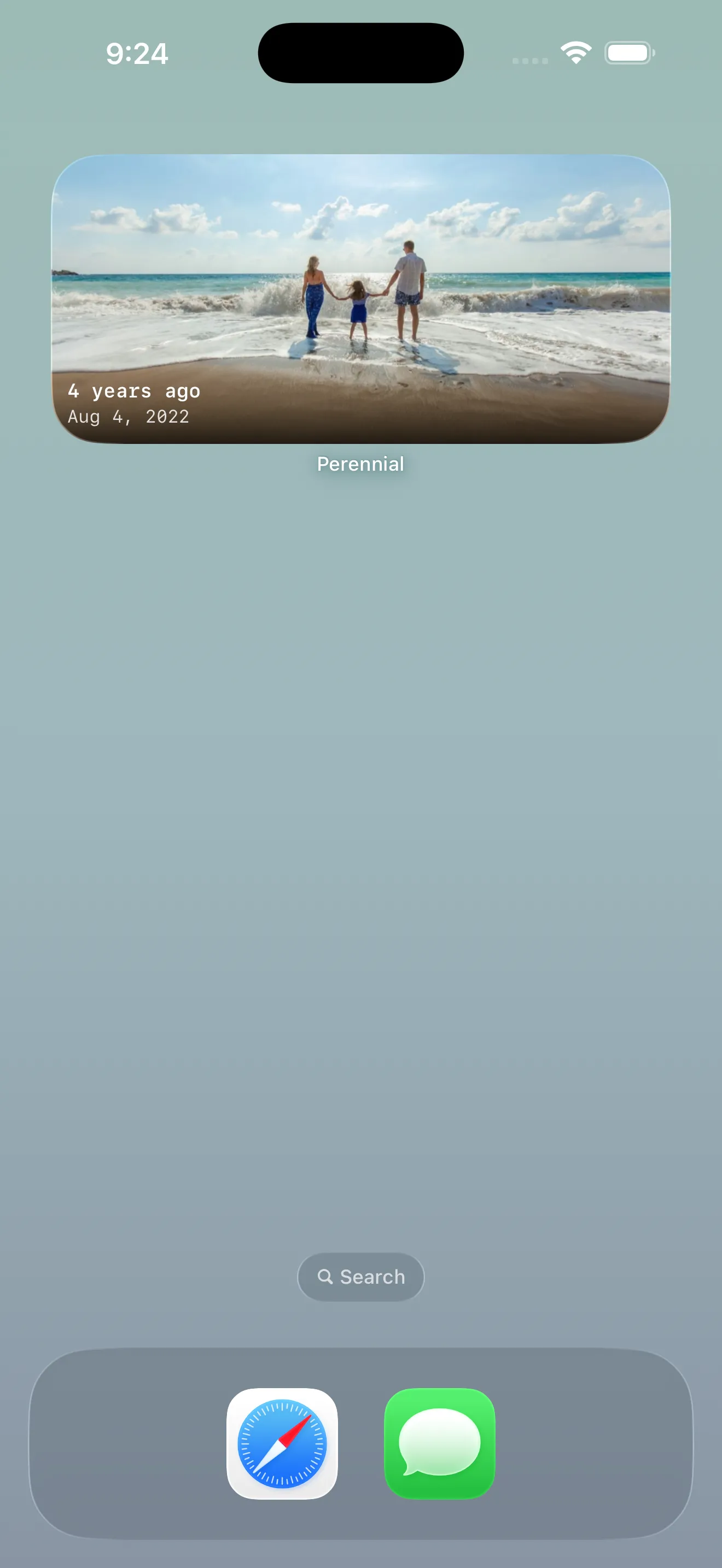
A full-bleed widget showing a photo from a past year, rotating through the rest of today's as the day goes on. Tap to open on today.
Sources
Turn on the ones you use. They sync independently and land in the same timeline, sorted by when each photo was actually taken. If one can't connect, a slim bar says so and the rest of the app carries on.
On-device, through PhotoKit.
No network calls at all, except to fetch a full-resolution photo or video that isn't already on the phone.
The only source Perennial can delete from.
The same API the official Synology Photos app uses.
Enter your QuickConnect ID and Perennial finds whatever's reachable — WAN, LAN, or Synology's relay. Two-factor is asked once, then the trusted-device ID stays in the Keychain. Turn on Local Network Only and it never leaves your network.
Shared/Team Space only, JPEG only. Team Space has no incremental diff API, so a sync walks the whole tree.
On this device, iCloud Drive, or an SMB share.
Point the document picker at a folder and Perennial scans it for images, reading EXIF date and location the same way it reads everything else.
Dropbox, Google Drive, and OneDrive show up in Files but can't be picked as a folder — an iOS limit on their extensions, not this app. Google Photos has no Files provider at all; export via Takeout or a Drive backup, then move the files somewhere that can be picked.
How it works
The whole app is one screen and a settings sheet. There is nothing to organize, tag, or curate — the calendar decides what you see.
No feed, nothing to scroll into — it opens on today's date and shows the photos you took on it, from any year in your library.
iCloud Photos, a Synology NAS, folders from Files — each independent, each off until you turn it on. Everything lands in the same timeline, grouped by year.
Tap any photo for a full-screen viewer you can swipe through, across every source. Pinch the grid to resize the thumbnails.
Arrows move a day at a time and the calendar button jumps anywhere. Tap refresh to re-check the sources.
Clear out duplicates and near-misses while you're already looking — a few a day instead of a whole afternoon. Deleting works on iCloud only; other sources are read-only.
A look inside
Every screen below is Perennial itself, not a mockup.
Privacy
Perennial reads from the sources you connect and shows you what it finds. Nothing is uploaded, copied to a server, or shared with anyone, because there is nowhere for it to go.
Also in the box
Pricing
Every tier is the whole app — there's no feature held back for a higher one, and nothing is metered.
$1.99 /month
7-day free trialEvery source, the viewer, and the widget, billed month to month. Cancel from Settings whenever.
$17.99 /year
7-day free trialThe same access as Monthly, billed once a year. The better deal if you're still opening it in March.
$34.99 once
One-time purchasePay once and keep it. No trial, no renewal, nothing to remember to cancel.
Available now
7-day free trial, then $1.99/month, $17.99/year, or $34.99 once.
Download on the App Store